Long Range Mesh Connectivity.
TX-E devices relay for each other over WiFi HaLow, so your network can reach as far as your property does — no separate hardware, no fixed line-of-sight required.
Enable Mesh on Your DevicesBuilt into the platform, not a separate product
Long Range Mesh is a mode built into every TX-E HaLow device, not a separate product you need to buy. Any Connect or Roam unit can act as a mesh node, relaying traffic on to the next device in the chain.
Together, those relays turn a set of individual links into one continuous network across the whole property. Coverage reaches into spots a single link can't — behind sheds, down in gullies, anywhere there's no clear line to the base station — so people and machines can connect from wherever they actually are on the property.
That matters most for unattended equipment: sensors, controllers, gate actuators, and other devices that need to talk to each other or report back, further out than a single HaLow hop can reach on its own.
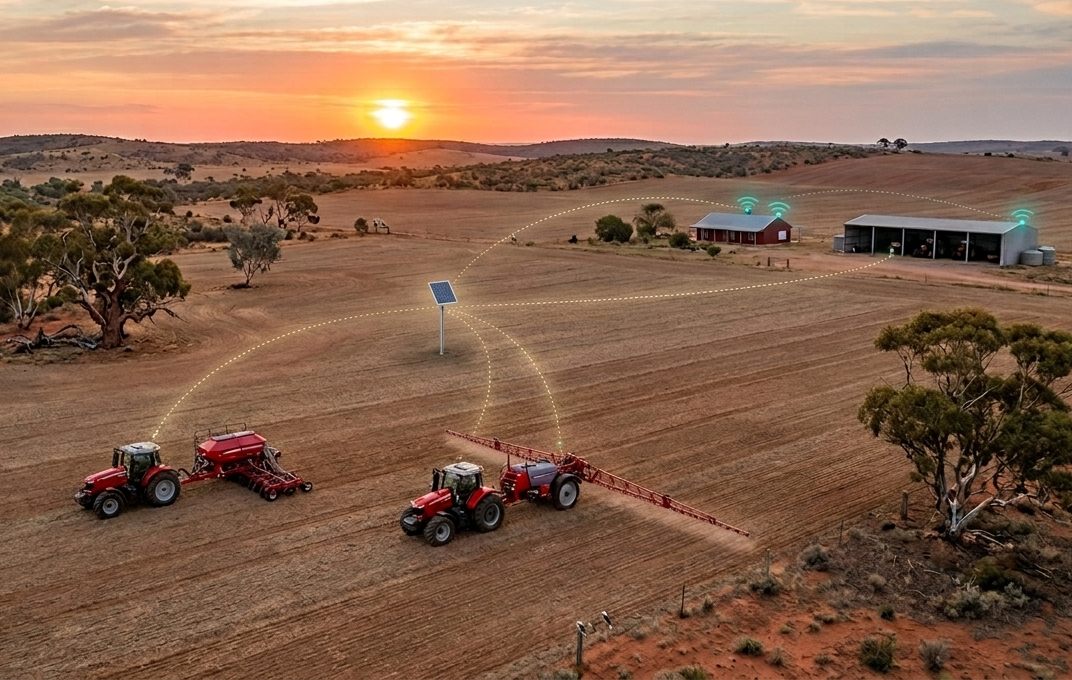
How mesh extends your range
Each hop passes the signal further than any single HaLow link could reach on its own.
1. A Root Device Anchors the Network
One TX-E device, typically your Connect base station, acts as the mesh root — the anchor point the rest of the network connects back to.
2. Other Devices Relay Automatically
Additional TX-E devices out on the property extend the mesh — each one can relay the signal onward, provide its own local WiFi hotspot, or do both at once, without any manual configuration per hop.
3. Machines Communicate Kilometres Out
Sensors and controllers connected anywhere along the chain can reach the rest of the network, well beyond the range of a single HaLow hop.
Ad-hoc and self-organising
Mesh doesn't need to be planned or fixed in place — it's ad-hoc and self-organising. Devices find each other and route automatically, including ones that move: a Connect unit fixed to a ute or side-by-side, or a Roam simply carried along in the cab, can join the mesh as it comes into range and relay connectivity to nearby devices, then drop off again when it moves on.
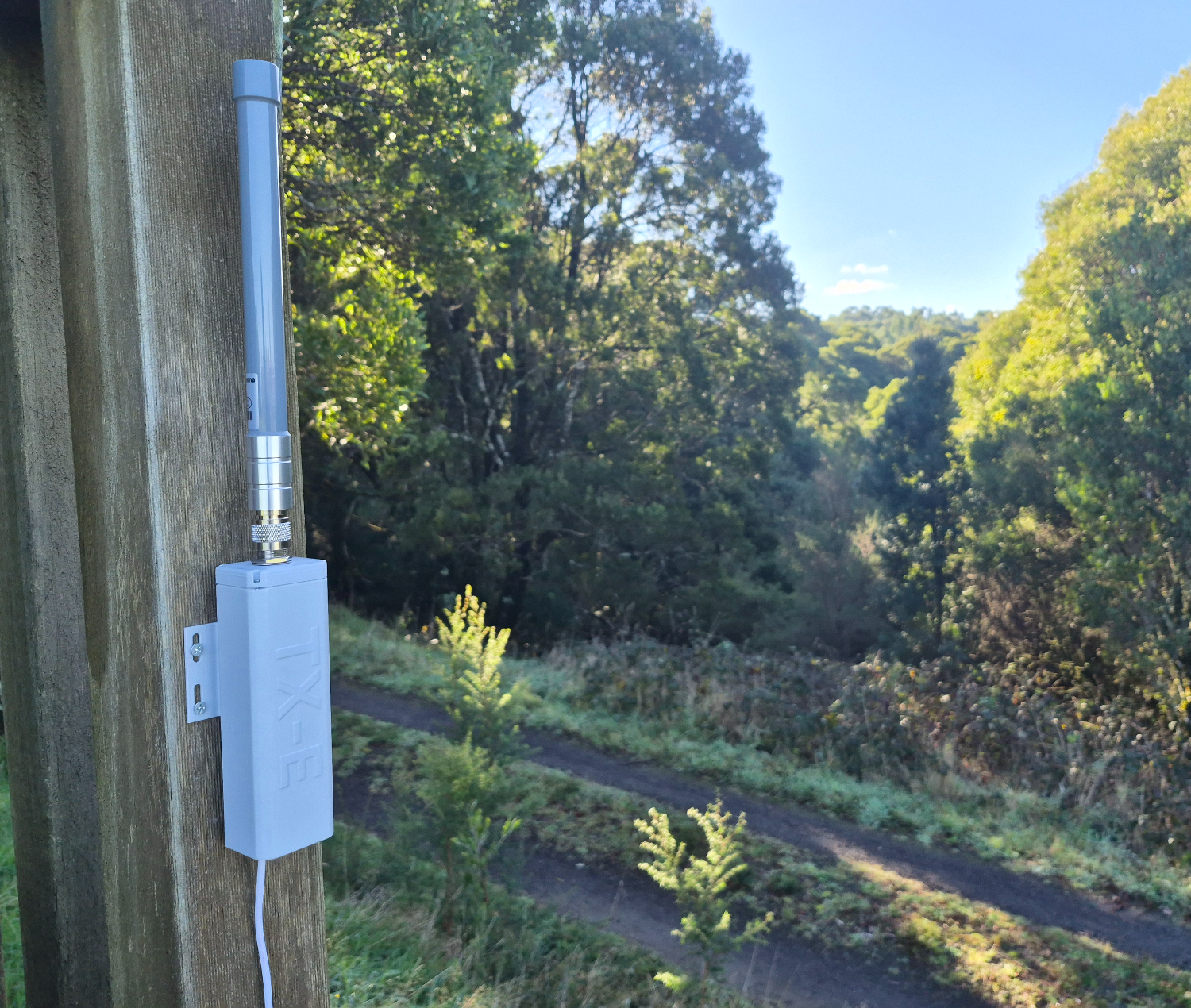
Where mesh matters most
Roam and Connect each have their primary job — Roam as a portable local hotspot for whoever or whatever needs one, Connect as a fixed anchor point. Mesh is the capability that lets any of them relay for each other too, extending the network well past what a single device could reach alone.
That's most valuable for the equipment that doesn't move: sensors, controllers, gate actuators, and other unattended gear spread further across a property than a single hop can reach.
- Motion-triggered security cameras and detectors, positioned further out than a direct link can reach
- Standard WiFi devices — phones, laptops, existing cameras — connected through a relay's local hotspot, no HaLow-native hardware required on their end
- Gate and irrigation controllers triggered remotely from the homestead
- Tank, trough, and soil sensors reporting back from paddocks beyond a single hop
- Multi-site deployments where devices need to reach each other without cabling between locations
Same HaLow standard, extended further
Mesh runs on the same WiFi HaLow (802.11ah) radio already built into every TX-E device — the sub-1 GHz standard that gives TX-E its kilometre-scale range and ability to pass through vegetation and structures.
Enabling mesh on a device is a setting, not a purchase: any TX-E HaLow unit can act as a relay. There's no additional hardware to add, no third-party mesh kit to integrate, and no per-hop configuration to manage by hand.
HaLow relay devices also draw very little power to run, so extending a network doesn't mean installing a large battery system at every relay point — part of what keeps mesh affordable to deploy, even at spots on the property with no easy access to power.
There's no hard limit on how many hops a mesh chain can have. What actually limits it in practice is bandwidth: each hop shares the link with the next, so usable speed drops a little further out with every additional hop. For status updates, sensor readings, and control signals — most of what mesh carries — that trade-off barely registers.
Support & Information
Find answers to your questions or get in touch with our team.
Set Up Mesh
Step-by-step instructions for enabling mesh on your TX-E devices during setup.
Go to Device Setup